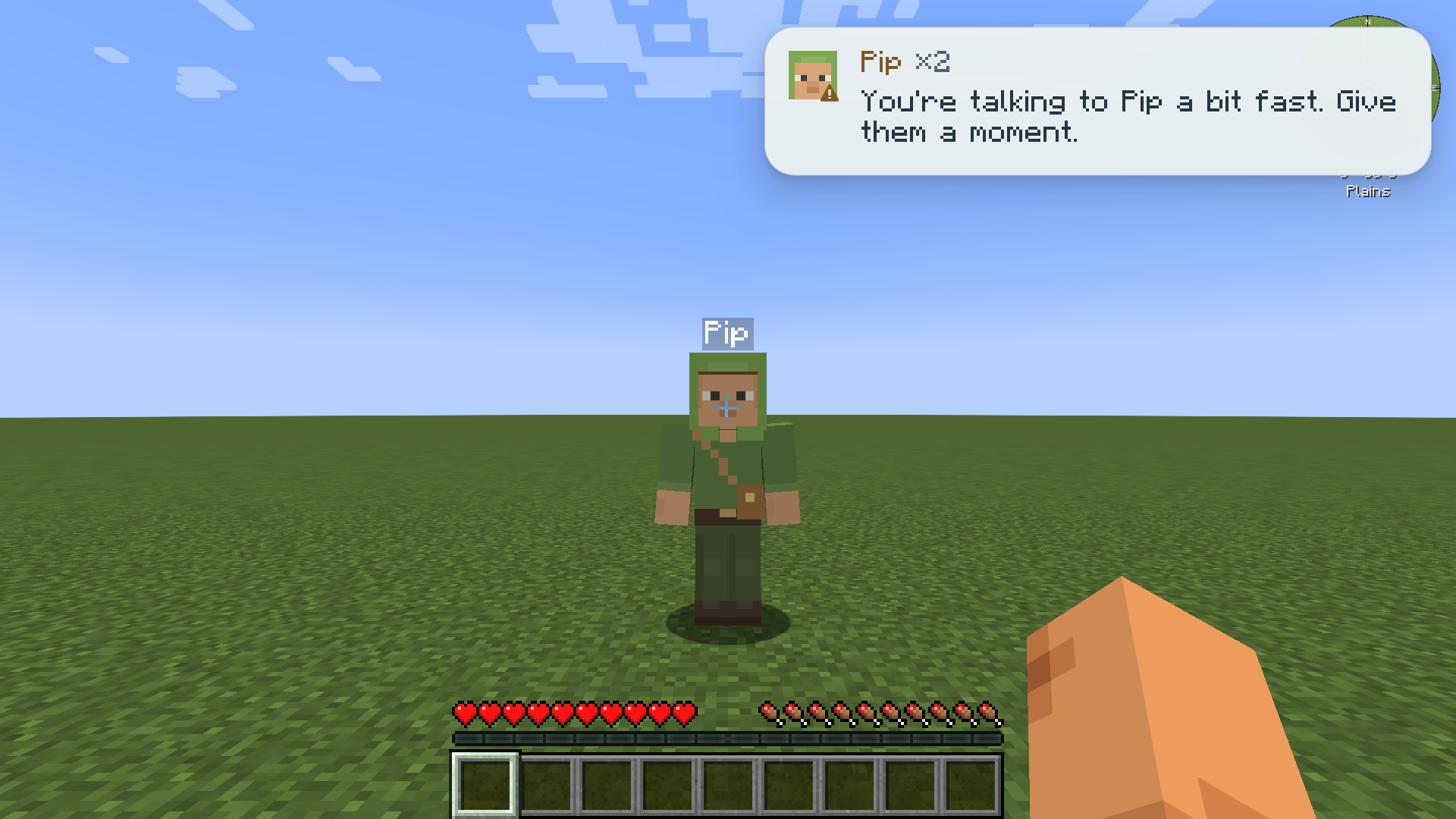
The Friends menu
Press O to open the friends menu (“Open friends menu” in Controls). From there you reach everything about your friends: orders, settings, memories, trust, your AI connection and voice.
The friends menu today
Section titled “The friends menu today”The menu has two sides.
- On the left, the list Friends (1/3) shows your friends and how many you may have. Friends you are trusted with appear too, as “Pip (trusted)”. New friend makes another (it is greyed out at the limit), and Trust opens your selected friend’s trust list.
- On the right, the selected friend’s status, what it is doing and its Stability, then its orders: Follow, Stay, Come, Stop and Status, and for your own friend Home here and Go home. These are the same orders as the commands and quick phrases: see Orders.
- For your own friend, Edit, Memories and Remove follow. Remove asks “Click to confirm” before it acts. Below them is a box for private notes about who they are, stored on your computer, never on the server, and sent only to the AI connection you choose when your friend thinks.
- Along the top, Recent, Voice and AI connection open their screens, and Advanced shows the longer explanations.
For a friend you are trusted with, the menu shows its orders and says: “You can give this friend orders. Anything you say to them is shared with their owner and uses their owner’s AI connection.”
Being built: wheel, roster and quick-talk box
Section titled “Being built: wheel, roster and quick-talk box”Coming
The friends menu is being rebuilt around a command wheel and a roster, chosen after trying several layouts in game. This part is being built and is not in the mod yet; details may change.
The command wheel
Section titled “The command wheel”You will hold the wheel key, flick toward what you want, and let go. The wheel opens in layers, like folders.
- Which friend. With more than one friend, the first ring picks the friend. It is skipped when you have one friend, or when you are looking at a friend as you open the wheel.
- The centre shows that friend’s head, name and status.
- The folders come next:
| Folder | What is inside |
|---|---|
| Talk | Opens the quick-talk box, to type a line to the friend. |
| Orders | Follow, Stay, Come, Stop and Status. |
| Home | Home here and Go home. |
| The friend | Settings, Memories, Notes and All friends. |
The quick-talk box
Section titled “The quick-talk box”A separate key will open the quick-talk box, and Talk on the wheel opens it too. After you send a line, the box shrinks to the middle and disappears, and the world lights up again.
The roster
Section titled “The roster”The roster will be the hub: it lists all your friends, and its gear button opens AI connection, Voice, Trust and Recent. Remove stays on the roster only, so a quick flick on the wheel can never remove a friend.
Screens
Section titled “Screens”| Screen | What it does |
|---|---|
| New friend and Edit | Name, skin, description, speaking style, Stability, chattiness and chat with strangers. See Friends. |
| Memories | What your friend remembers, each with Forget. See Memories and persona. |
| Trust | Who can give your friend orders. See Trust and multiplayer. |
| AI connection | How your friends think. See Choosing a connection. |
| Voice | Push-to-talk or hands-free, your microphone, the wake phrase and the microphone test. See Talking and voice. |
| Recent | This session’s notes, warnings and problems, newest first. |
Most screens show short descriptions. Switch on Advanced at the top to show the full explanations on that screen.
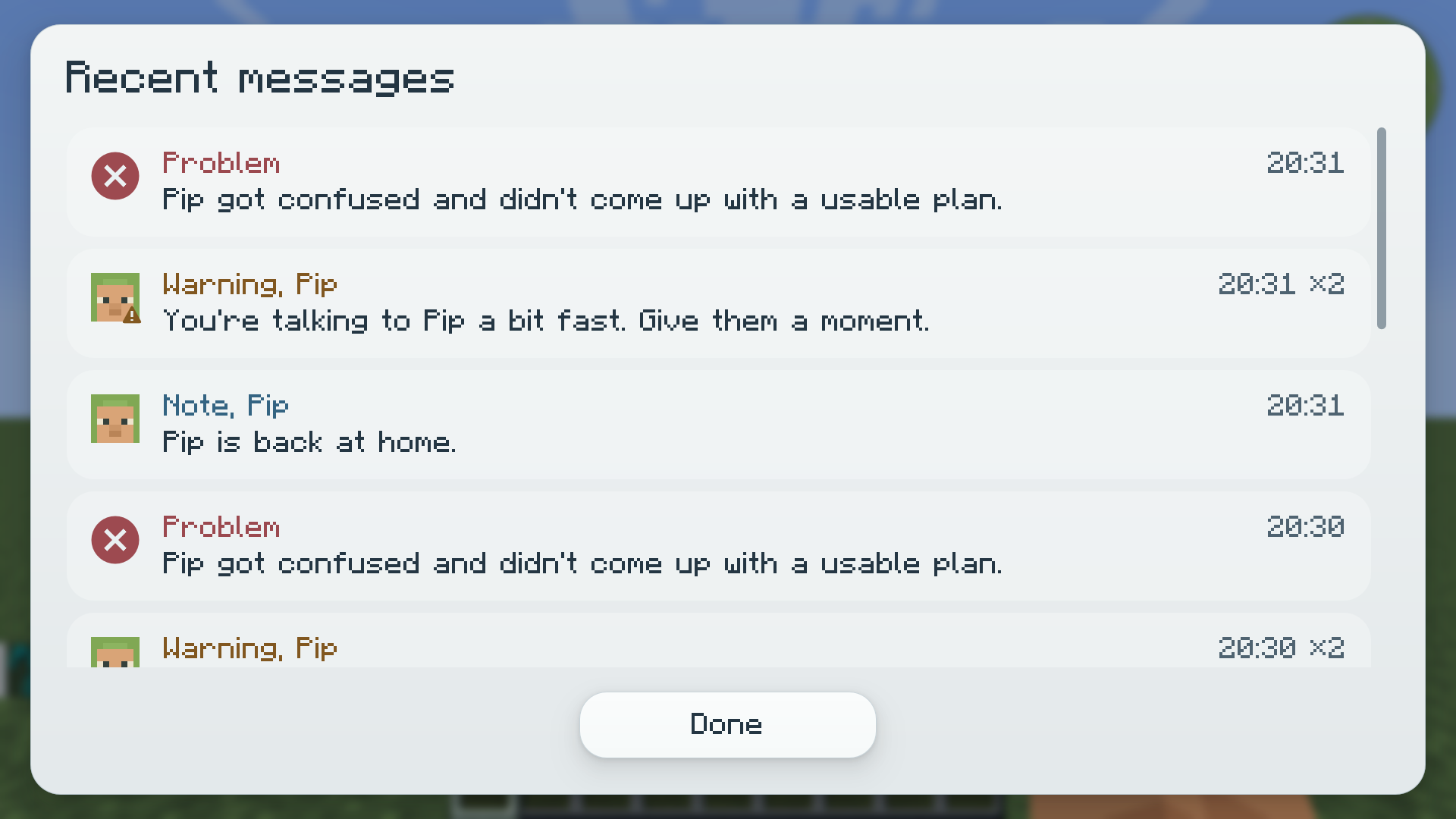
Toasts
Section titled “Toasts”Short notices, such as a friend coming back home or a connection problem, slide in at the top right as toasts. A repeated notice is merged and counted (“×2”). Each kind has its own mark: Note, Warning and Problem. The Recent screen keeps them for the session.