Talking and voice
Private and public chat, speech bubbles and streamed replies, push-to-talk, hands-free, the wake phrase and the microphone test.
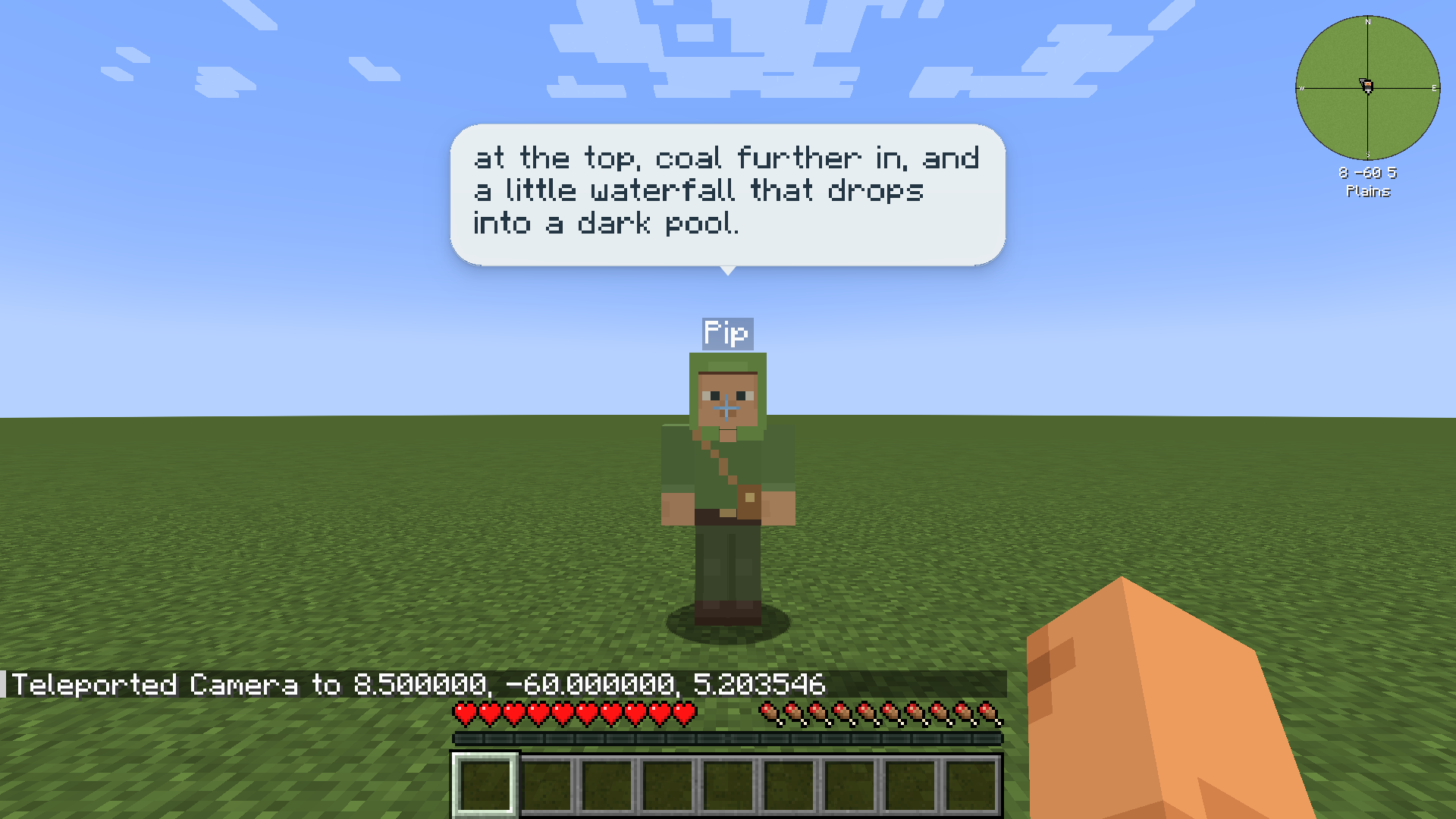
Talk to your friends the way you would talk to a player: type in chat or speak. They answer in chat and in speech bubbles over their heads. Friends answer in text only; they don’t speak aloud.
Typing
Section titled “Typing”| How | Who sees it | Example |
|---|---|---|
/msg <friend> ... (or /tell, /w, /whisper) |
Private. Only you. To your own friend, it is stored on your computer, never on the server, and sent only to the AI connection you choose when your friend thinks. | /msg Pip what did you find? |
@<friend> ... in normal chat |
Public. Everyone in chat sees it and the reply. | @Pip can you dig this out? |
Private lines show in chat as [private]. Your friend’s private reply appears only on your screen, and its speech bubble is drawn only for you. A public reply is planned without your private memories and notes, because other players can read it.
Talking to someone else’s friend is different: it goes through their owner’s AI connection, and you are told so before your first message. See Trust and multiplayer.
Replies as they are written
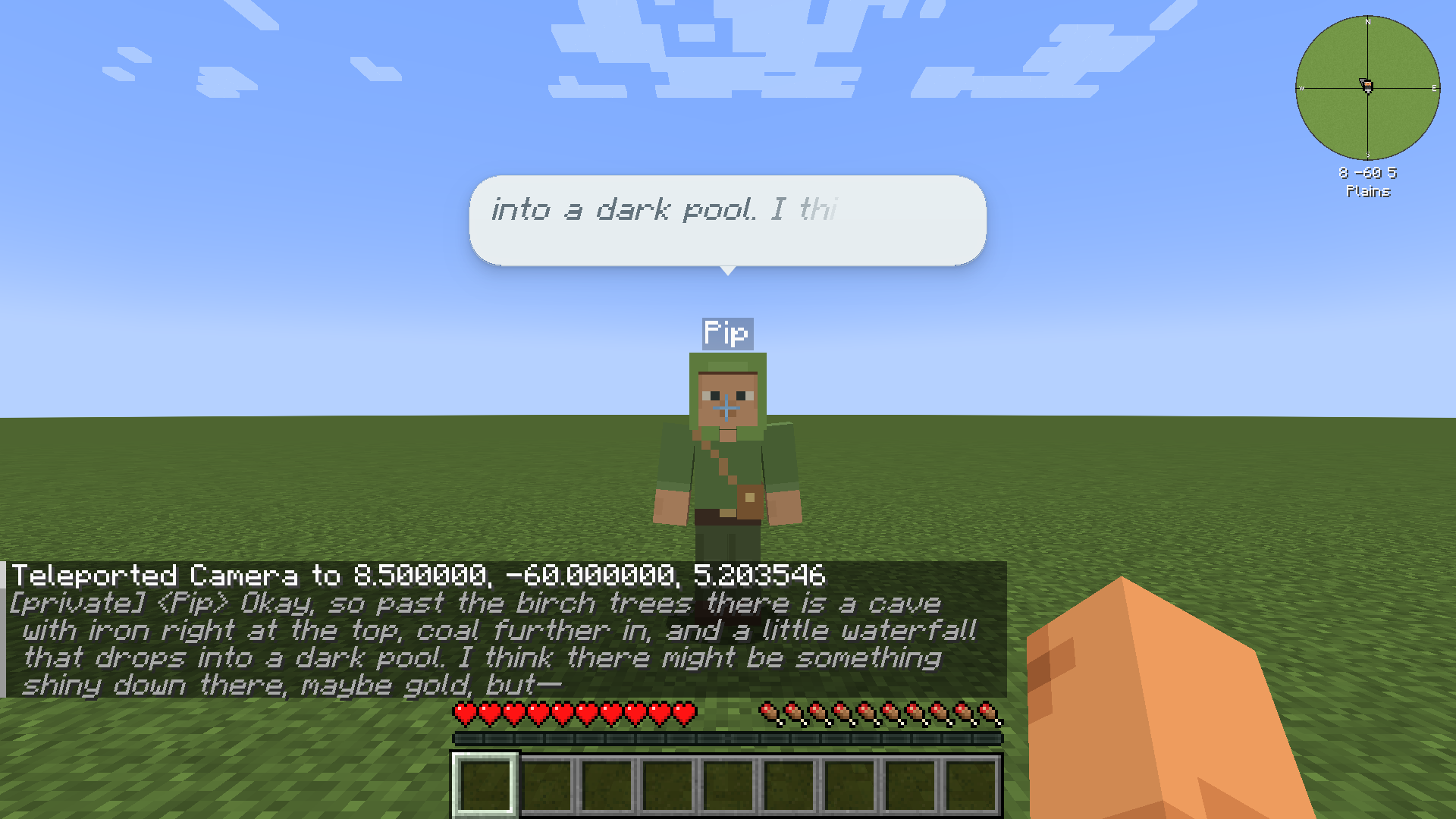
Section titled “Replies as they are written”On connections that stream, a reply appears word by word in the bubble and in chat. A long reply scrolls inside a three-line bubble.
Say something new to your friend while it is answering, and it stops where it is. The words already shown stay; the cut-off part turns grey and italic, and the chat line ends with a dash. Your friend then answers what you said. Any line that reaches that friend interrupts it, even a short “okay”. Stop and danger warnings never wait for a reply.
Connections that don’t stream show the whole reply when it is ready.
When friends talk on their own
Section titled “When friends talk on their own”Friends decide when to talk. They may remark on moments such as you being badly hurt, nightfall, a job done, a gift or a death. Chattiness in the friend’s settings (Quiet, Normal or Chatty) tells them how much you would like them to talk; it is a guide, and they still decide. Remarks are planned privately and shown only to you.
Hold V to talk to your friends (“Push to talk to friends” in Controls). Say a friend’s name, or “everyone”, to choose who hears you. While you hold the key, the mod shows that it is listening, and afterwards who heard you.
Who a spoken line is for:
- A name decides at once. So do the group words “friends”, “everyone”, “bots” and “AI”, and your wake phrase: they reach every friend in range you may talk to.
- With push-to-talk, a friend you are looking at, or the only friend nearby, hears it.
- Otherwise one quick call on your AI connection decides who it was for, or nobody. If that call can’t be made, you are asked “Who was that for?” and nothing is sent.
Simple orders such as “stop” act at once, before any AI call. Your voice is turned into text on your own computer and the audio is not kept.
Hands-free
Section titled “Hands-free”Push-to-talk is the default. In Voice settings, set Listening to Hands-free and the mod listens all the time instead, starting when you speak. Hands-free needs the offline engine. A key to mute or unmute hands-free listening is in Controls (“Mute or unmute hands-free listening”); it has no key until you set one.
With hands-free and one friend in range, a line with no name goes to a quick check of whether it was meant for that friend.
Wake phrase
Section titled “Wake phrase”Wake phrase in Voice settings is off while empty. Type a phrase and saying it addresses your friends like a group word does.
The speech engine
Section titled “The speech engine”Speech is turned into text on your computer by a small Whisper model (base.en, FUTO’s ACFT fine-tune), which comes inside the mod (about 83 MB). Nothing is downloaded later.
OpenRouter transcription is an opt-in alternative under Speech engine. With it, each push-to-talk clip is sent to OpenRouter and the model’s provider and paid from your OpenRouter account. You choose a transcription model, see its price, and must tick “I understand my voice clips leave this computer”. It is never used when the offline engine fails, and it works with push-to-talk only.
Voice settings
Section titled “Voice settings”Open Voice in the friends menu.
| Setting | What it does |
|---|---|
| Voice | Turns voice input on or off. |
| Listening | Push-to-talk (default) or Hands-free. |
| Microphone | Which microphone to use, or the System default. |
| Wake phrase | Optional; off when empty. |
| Speech engine | On this computer (default) or OpenRouter (sends clips). |
| Test microphone | Opens the microphone test. |
Microphone test
Section titled “Microphone test”Test microphone checks your microphone before you rely on it, like Simple Voice Chat’s test.
- Press Record and stay quiet for a moment, so it can measure background noise.
- Read the line it shows aloud, such as “Pip, follow me to the yellow lamps.” with your friend’s name.
- Press Stop. You see the level (No sound, Too quiet, Good level or Too loud), and you can Play recording to hear yourself.
- Press Transcribe test to see what your friends would hear.
It gives plain advice, such as “Your voice is quiet. Try raising Microphone gain, then record again.” or “There is a lot of background noise.” The Microphone gain slider is what the advice points to first; Reset gain puts it back. Advice never changes a setting by itself.
The test is not sent to your friends or the server, and nothing is saved except the gain. It uses OpenRouter only if that is already your chosen engine, and then only when you press Transcribe test with OpenRouter.
If voice isn’t working
Section titled “If voice isn’t working”Typing always works. The mod tells you what is wrong, for example “No microphone found.”, “The microphone is busy or not allowed.” or “Microphone blocked: the system is sending only silence. Check its microphone permission.” See Troubleshooting.